
Multifamily Portfolio Command Center
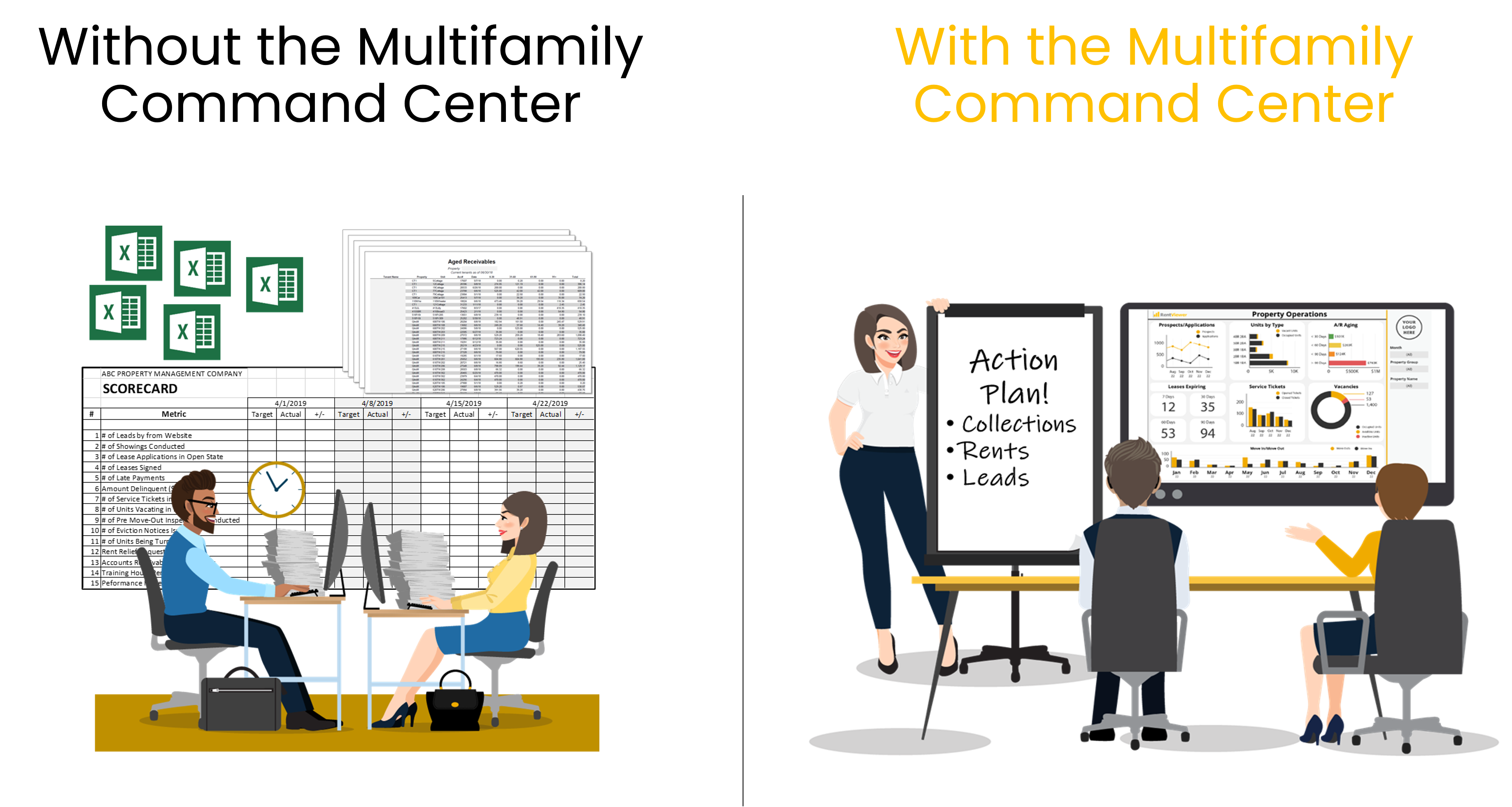
Are You Running Your Multifamily Portfolio Using Spreadsheets?
The Multifamily Command Center is a collection of Power BI dashboards connected to your property management system. These dashboards are designed for multifamily executives, asset managers and operations teams, and will make it easy for you to keep an eye on your portfolio and take corrective action quickly.
Plans start at $250/month. No long-term contracts.
What Your Command Center Will Look Like
Here are examples of dashboards that will be branded for you and connected to your property management system. You can see more detailed images and descriptions in our online store
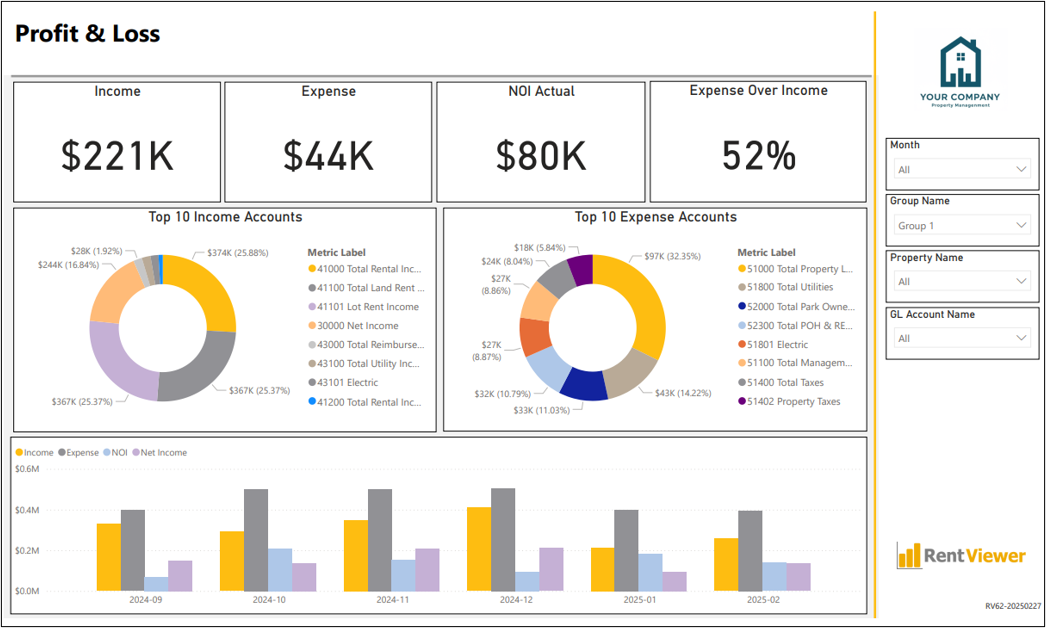
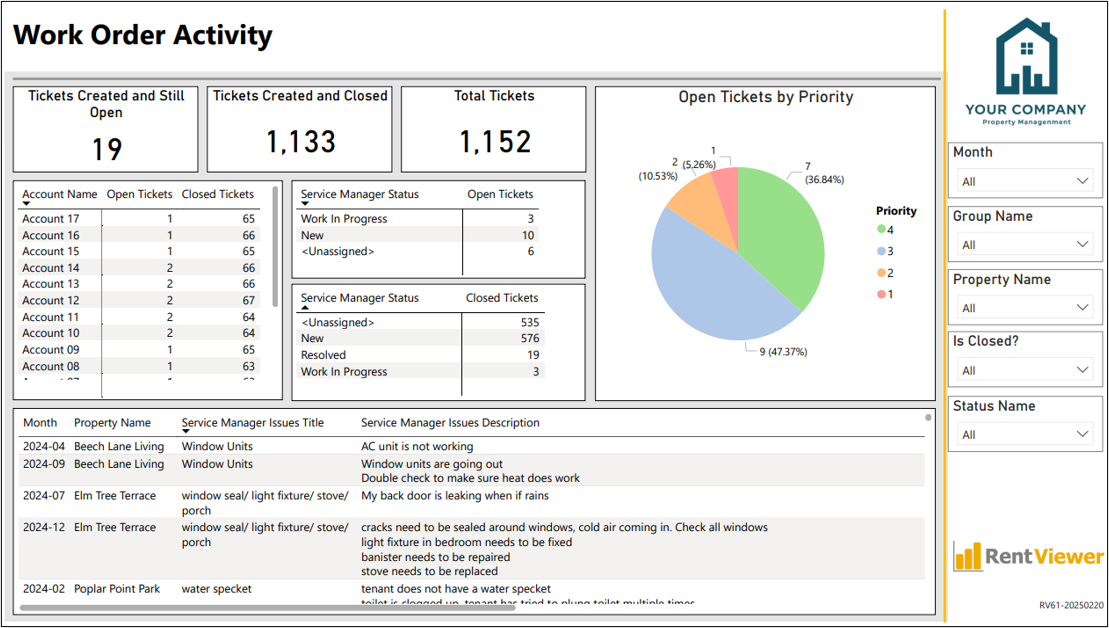
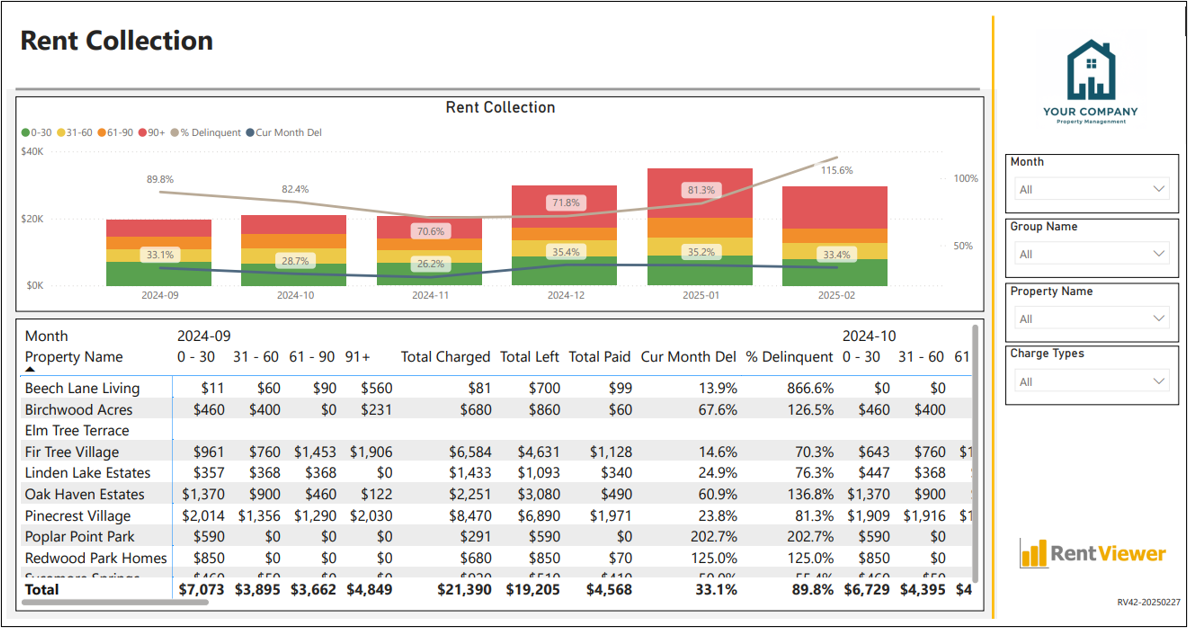
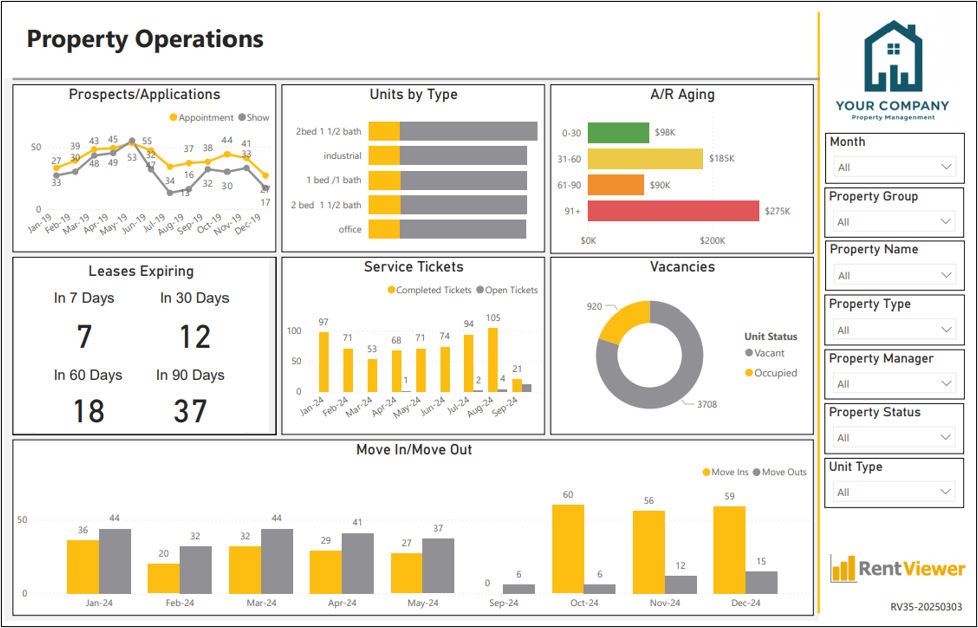
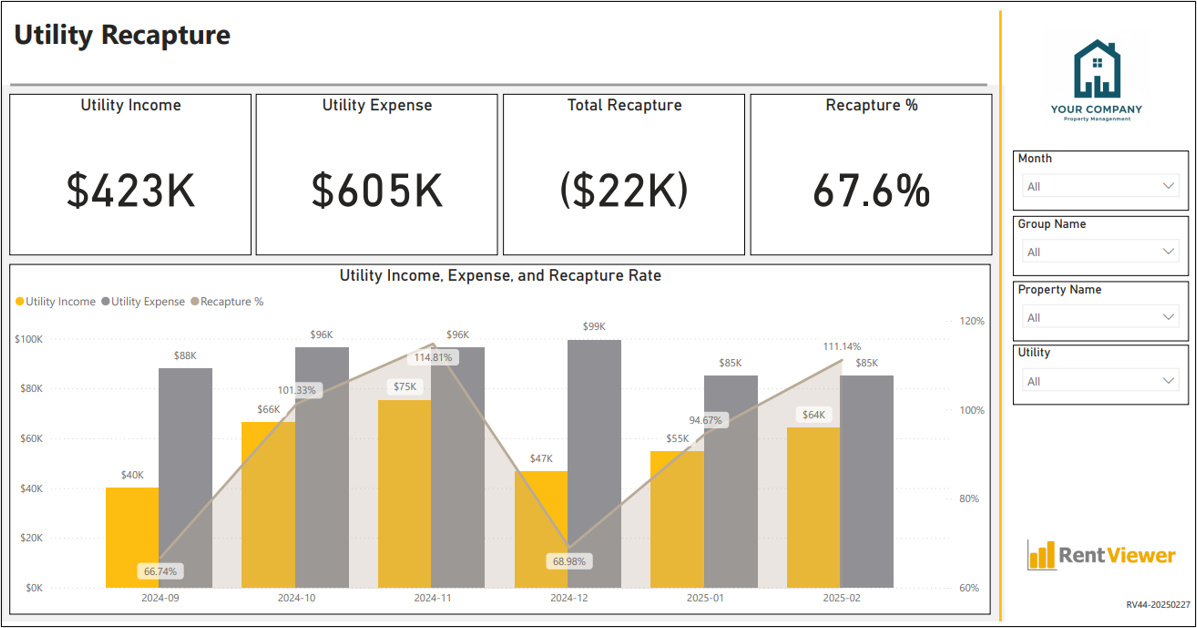
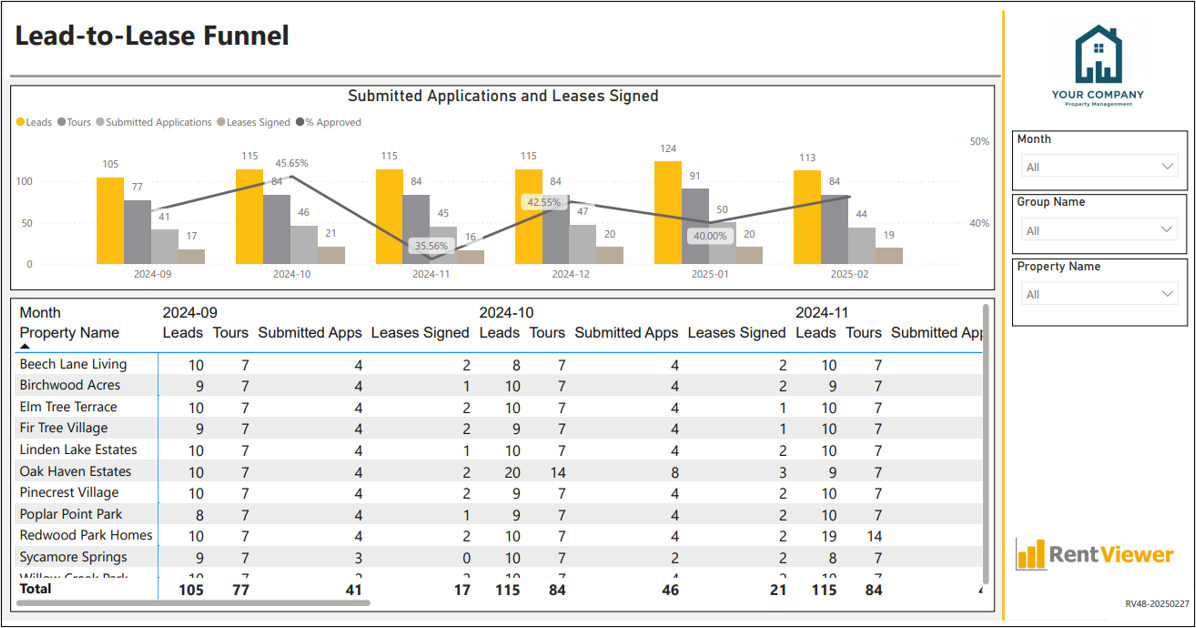
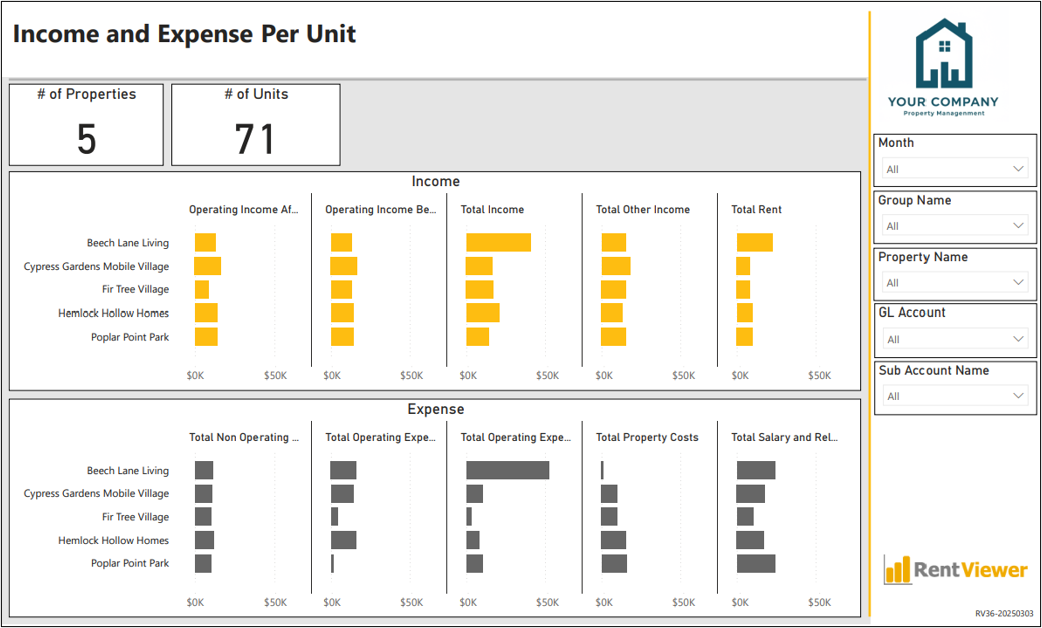
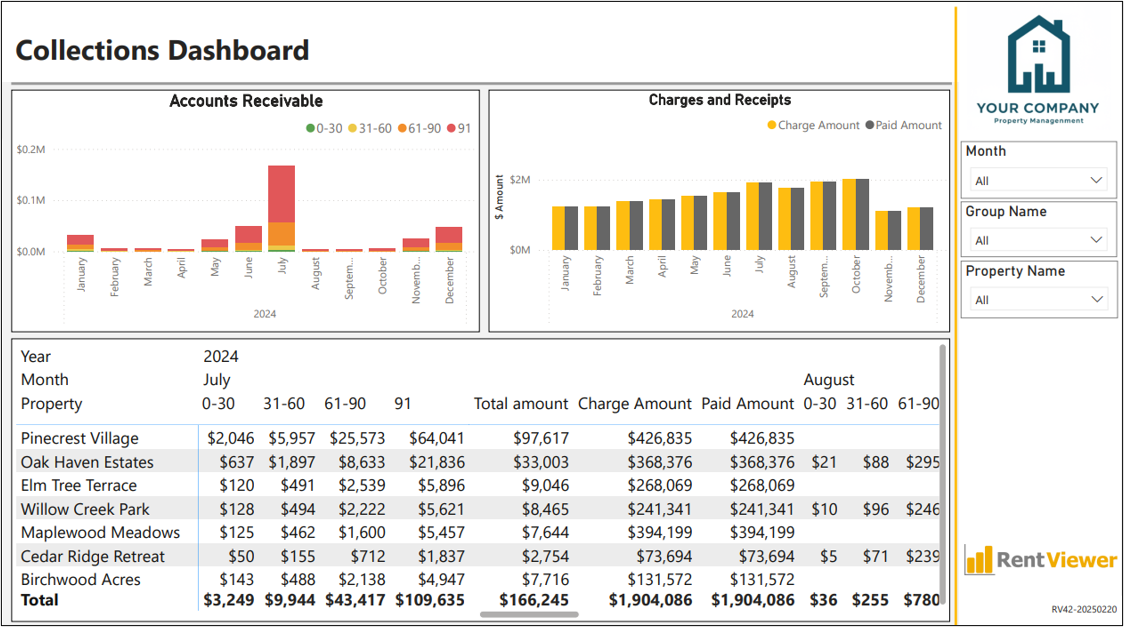
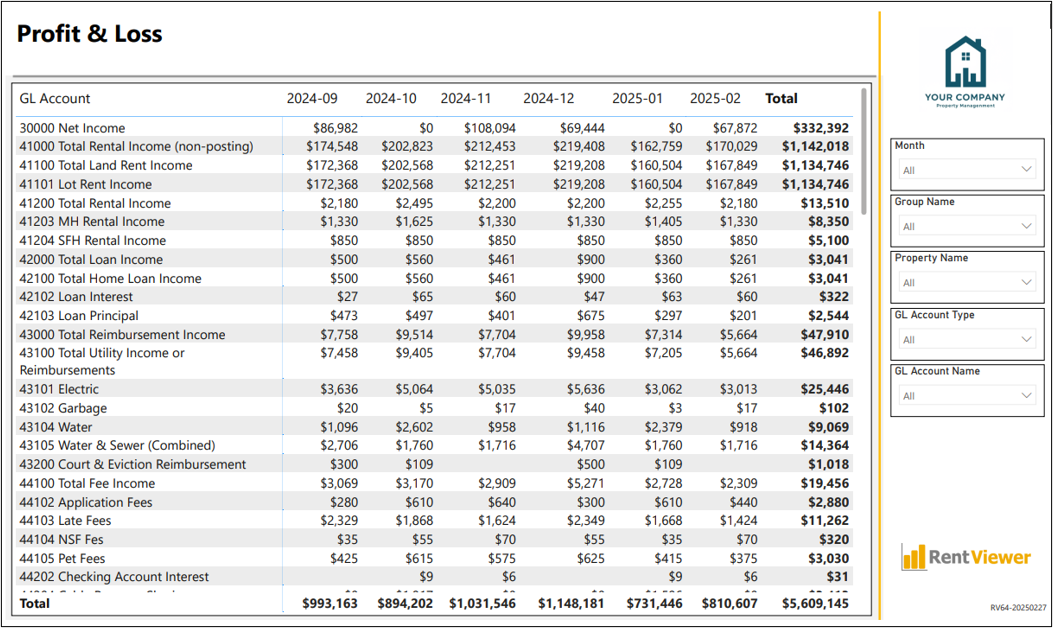
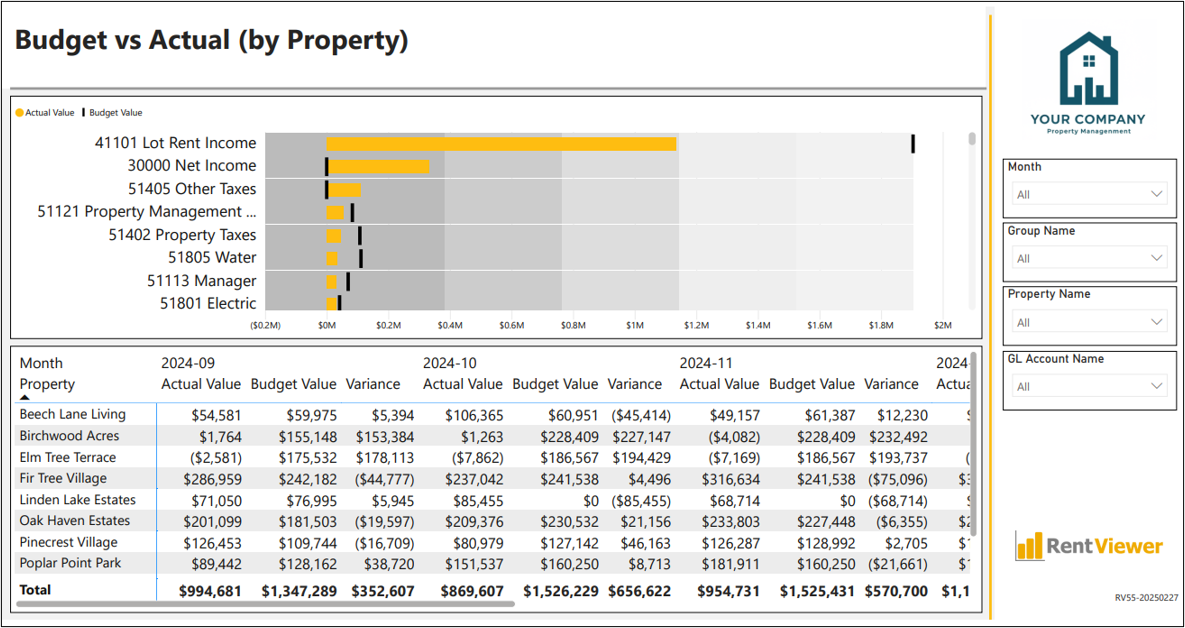
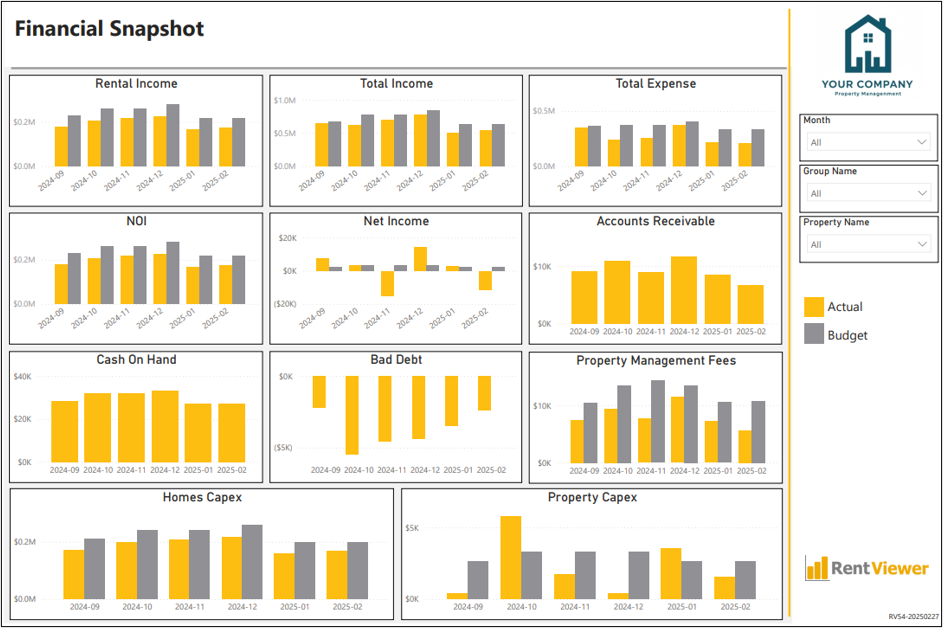
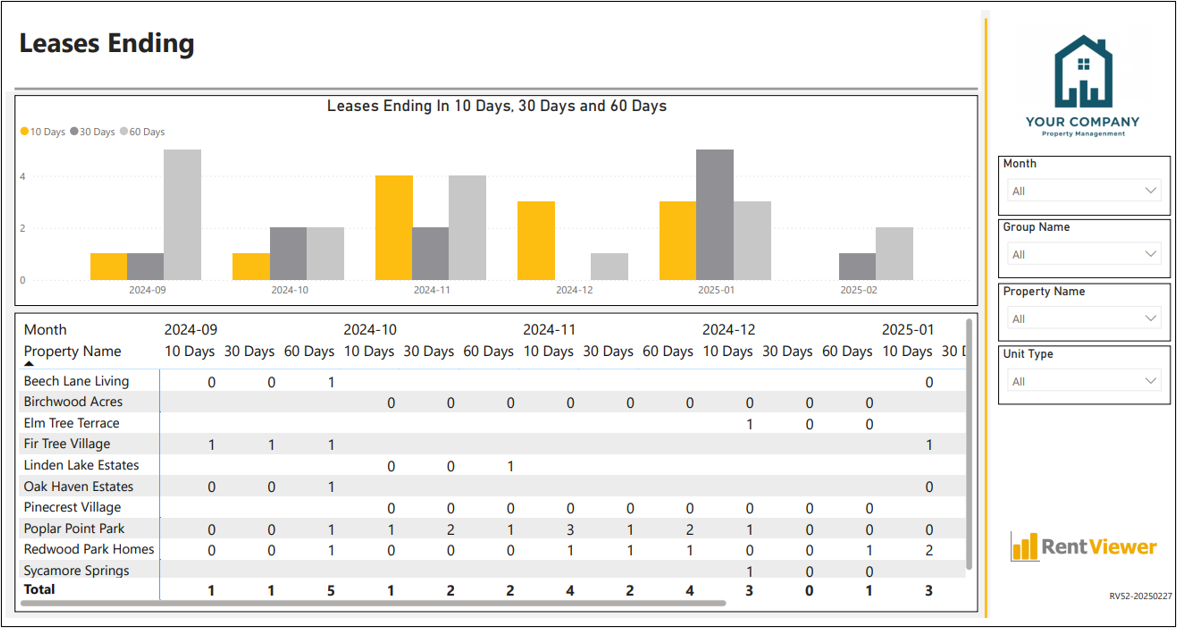
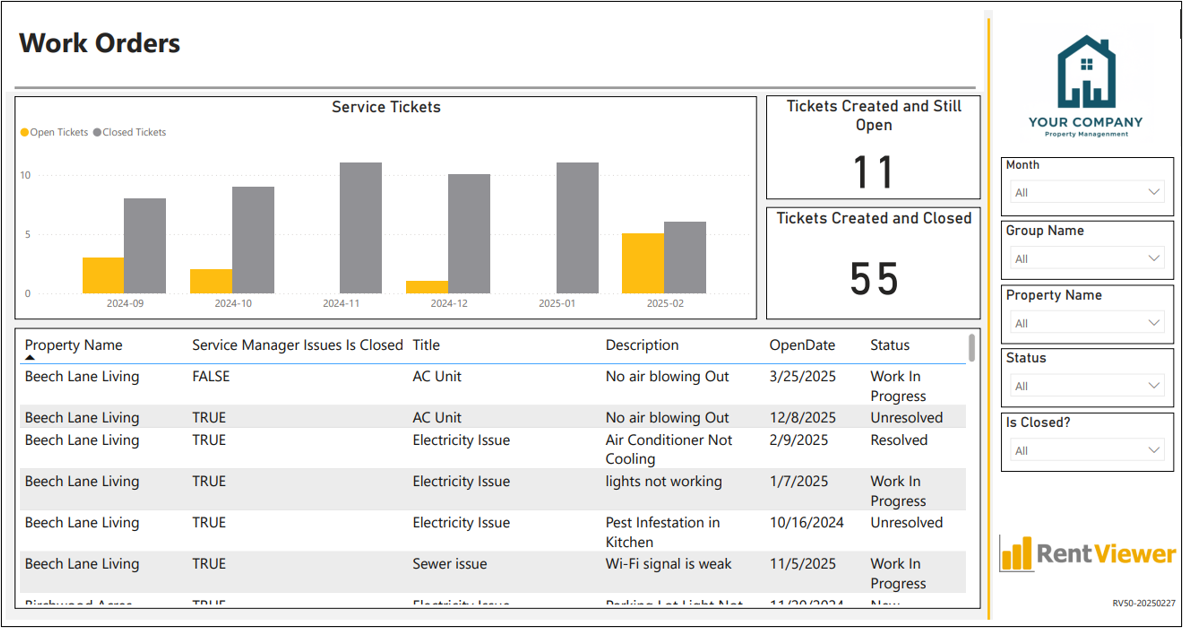
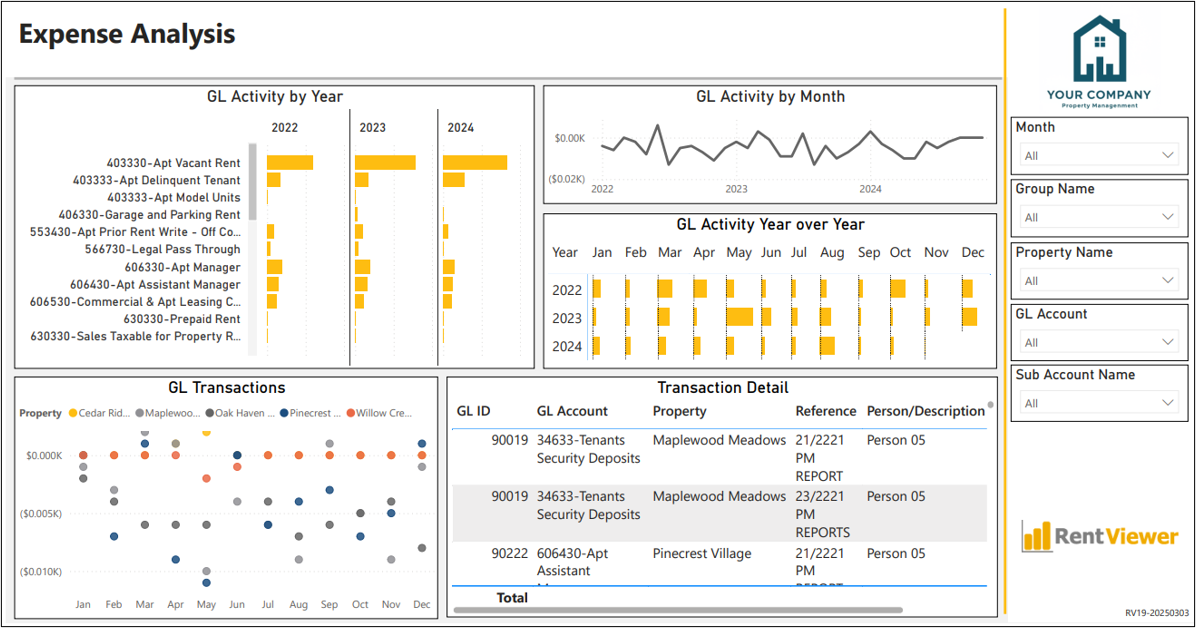
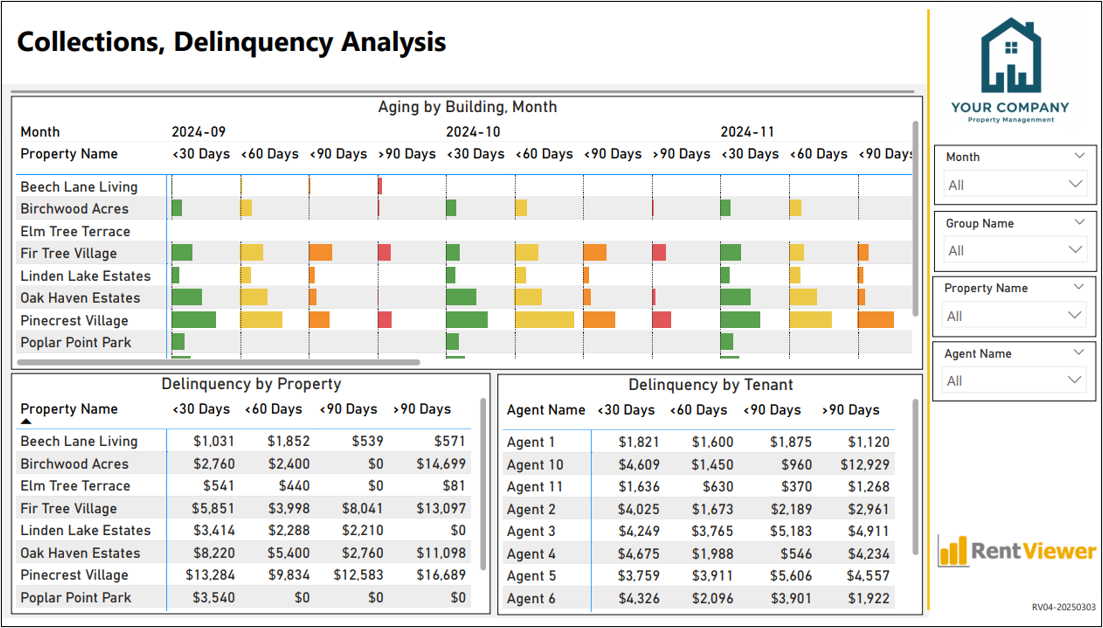

Take Control of Collections, Occupancy, Expenses, Inventory and All the Drivers of NOI
Imagine a platform that takes your fragmented data, eliminates manual processes,
and transforms it into useful, visual dashboards. Automatically!
That’s the Multifamily Command Center! Multifamily investment and management companies use our solutions to achieve their business targets and uncover operational issues early so that there’s time to fix them.
RentViewer is used by successful multifamily owner operators to optimize portfolio performance



You Need the Multifamily Command Center If …
✅ Your team spends hours manually piecing together data from different systems.
✅ Manual reporting is slowing down decision-making and introducing errors.
✅ You need custom reports, but your system’s built-in tools don’t offer enough flexibility.
✅ You know the lack of visibility across your portfolio is costing you.
✅ You want to spend less time on manual data tasks and more time on strategic growth.
Simple Pricing, No Long-Term Contracts
Plans start at $250/month. Select a pack of 5 or 10 dashboards.
Order Now. No payment required to place order.
Once you sign up, we will …
- Rebrand the dashboards with your logo
- Connect the dashboards to your property management system.
- Setup the automated data refresh
- Validate the data by comparing the KPIs with reports from your system
- Setup your dashboard portal and access for your team
- Provide orientation and training
- Go Live!
Need to Speak With Us? Book a Meeting
Book a demo to see live versions of the dashboards.